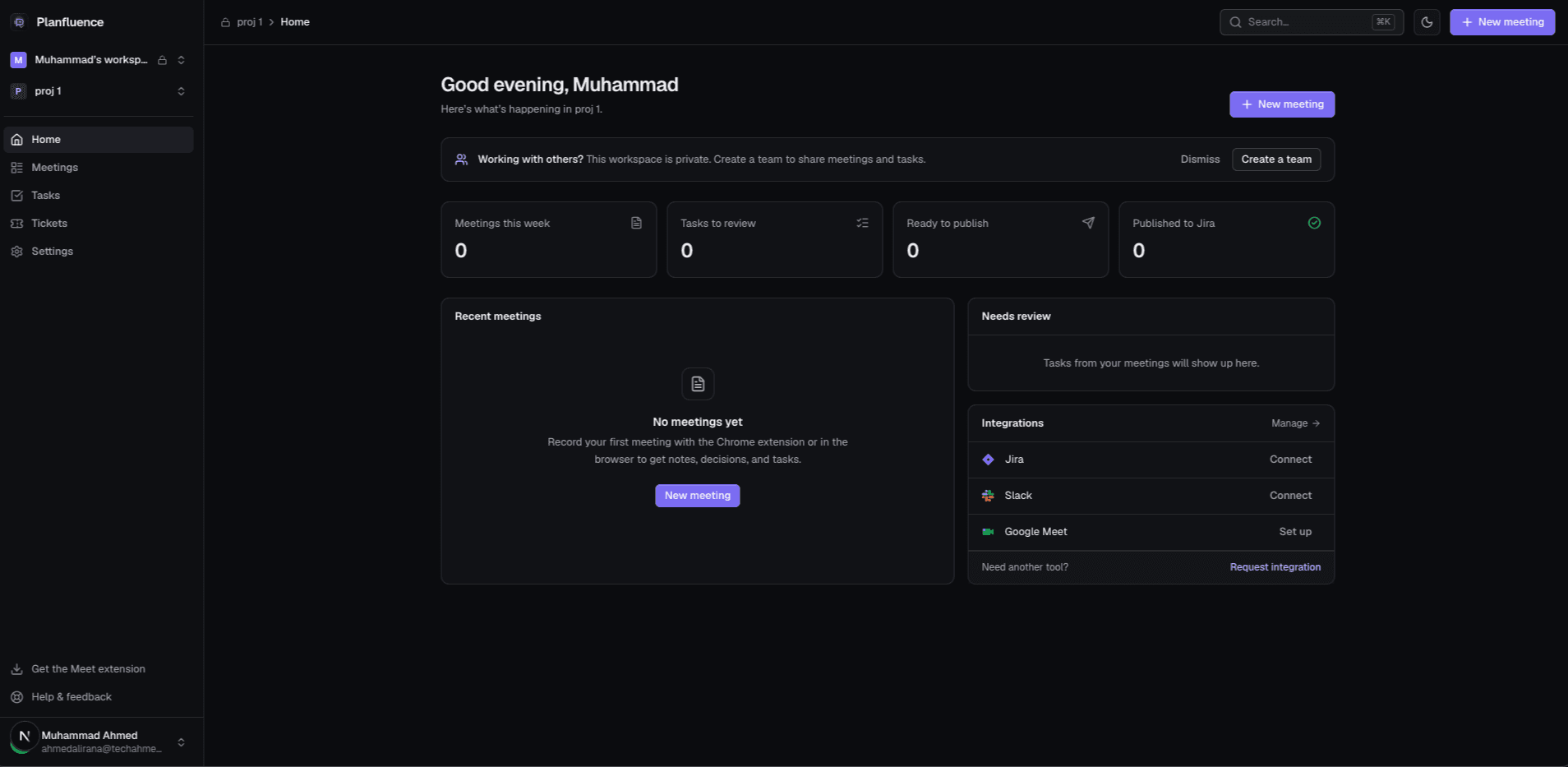
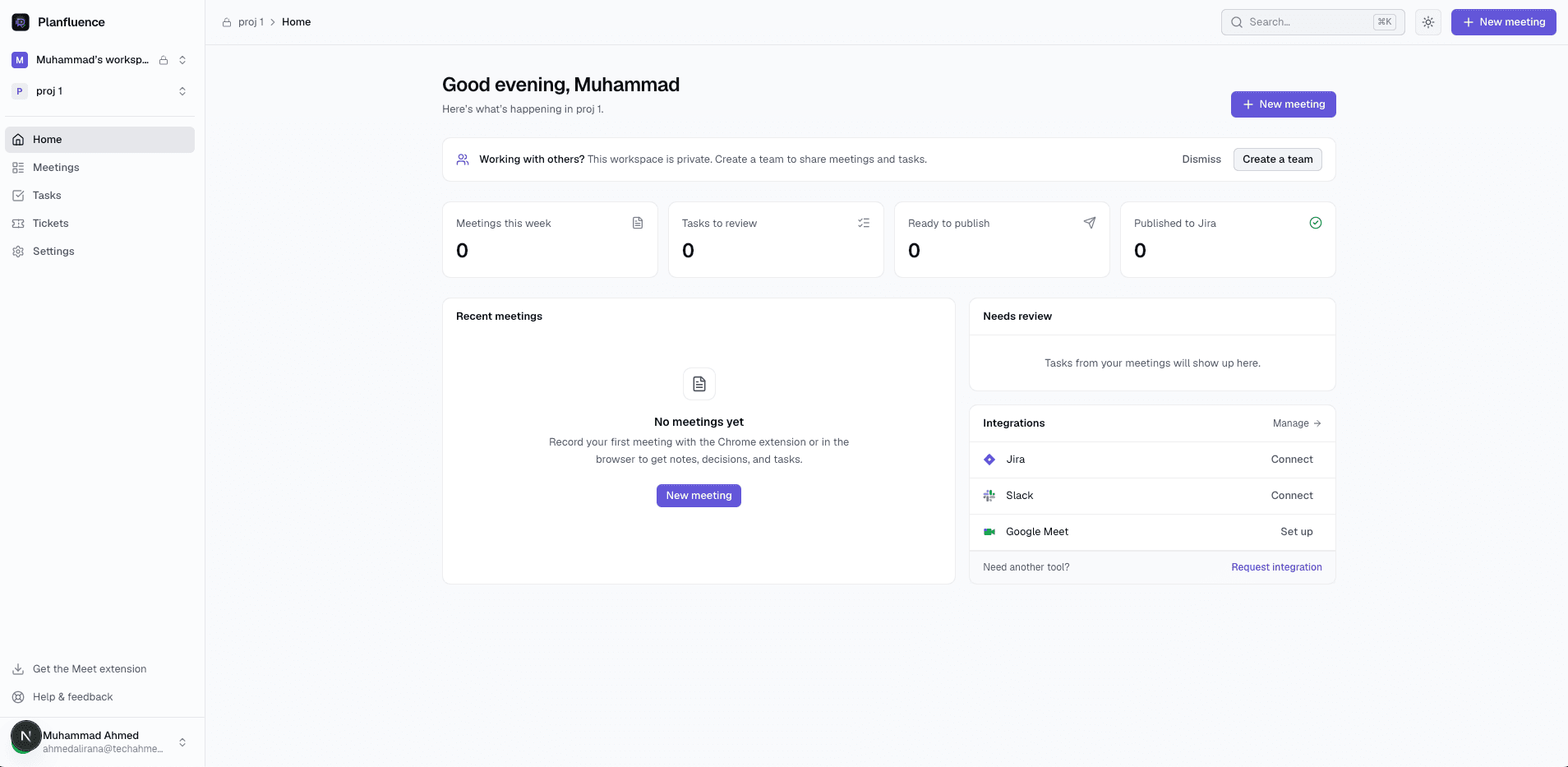
Planfluence helps enterprise teams transform meetings into structured insights, actionable tasks, and connected workflows, keeping teams aligned and reducing manual project management overhead.
Each team works in projects inside your organization's workspace, so meetings, decisions and follow-ups live next to the work they belong to, not scattered across recordings and chat threads.
Central visibility into meetings, decisions and action items across projects.
Projects open to the whole organization, or private to the people who need them.
Each project keeps its own workflow, sprints, Jira project and Slack channel.
Invite partners and contractors to a single project without adding them to your organization.
A
Acme EngineeringBusiness plan · 64 members
Shared minutes this month
PAY
Payments platform
12 meetings · 31 open tickets
MOB
Mobile app
8 meetings · Jira: MOB
M&A
Acquisition review
Private · 4 members
WEB
Website rebuildShared
1 outside collaborator
MEETING-TO-EXECUTION AUTOMATION
From discussion to tracked work.
Planfluence turns what was said into structured notes, decisions and suggested action items. Your teams decide what becomes work; approved items flow into the tools they already use.
01 · CAPTURE
Record the meeting
Record Google Meet with the Chrome extension, or upload a recording. No bot joins the call.
02 · UNDERSTAND
Notes, decisions, tasks
A transcript with speakers, a structured summary, the decisions made, and suggested follow-ups.
03 · REVIEW
Approve what matters
Edit, approve or dismiss each suggestion. Nothing is published without someone choosing it.
04 · EXECUTE
Into your workflow
Approved items become tickets, and a recap reaches the project's channel.
Jira issuesPlanfluence ticketsSlack recap
TEAM COLLABORATION & ADMINISTRATION
Control who sees what, without slowing teams down.
Roles and invitations
Owners, admins and members. Invite people by email; seats follow your plan's member limit.
Private projects
Keep sensitive projects to a named group. Owners and admins keep access to everything.
Outside collaborators
Share one project with an agency or contractor. They see that project only, never the rest of your organization.
Shared usage allowance
One pool of transcription minutes and storage for the whole organization, with usage visible to admins.
Workflows and sprints
Each project defines its own ticket statuses and transition rules, and plans work in sprints.
Per-project integrations
Use the organization's Jira and Slack settings, or give a project its own account, token and destination.
On the roadmap
Linear integration.
Google Workspace automation: discovering meetings across your domain and routing them to projects (early access).
Not offered today
SSO / SAML sign-in and SCIM provisioning.
Third-party compliance certifications.
If these are requirements for you, tell us when you get in touch.
CONNECTED ENTERPRISE WORKFLOW
Works with the tools your teams already use.
Google Meet
Capture
Record calls from the browser with the Planfluence Chrome extension, on every plan.
Recording without a bot in the call
Live captions used for accurate transcripts
Jira
Execution
Publish approved action items as Jira issues with descriptions, priorities and subtasks.
Different Jira site, account or project per team
Import existing Jira projects, including sprints
Slack
Communication
Post meeting recaps (summary, decisions and new tickets) to the right channel automatically.
A channel per project, or one for the organization
Prices in US dollars, excluding taxes. Minutes are counted from audio we actually transcribe. Enterprise seats, quota, retention, billing and support are agreed with our team. Looking for an individual plan? See all pricing.
QUESTIONS FROM BUYERS
Before you talk to us.
What does Enterprise add over Business?
Seats, shared transcription minutes, storage and retention set to your needs, monthly or annual billing, and negotiated support and terms.
Can people outside our company work in a project?
Yes. Add them to a single project by email. They see only that project, from their own workspace, and don't take a seat.
Who decides what becomes a ticket?
Your team. Planfluence suggests action items; nothing is published to Jira or posted to Slack without someone approving it.
Do you support SSO or SCIM?
Not today. If single sign-on or provisioning is a requirement, include it in your request so we can discuss it.
See Planfluence with your organization's meetings.
Tell us about your teams and tools. We'll walk you through Planfluence and shape an Enterprise plan around your requirements.