FREE$0/month
Try Planfluence on your own meetings.
- Record and store your meetings
- Keeps your 5 most recent recordings
- Google Meet recording
- Upgrade for transcripts, summaries and tasks
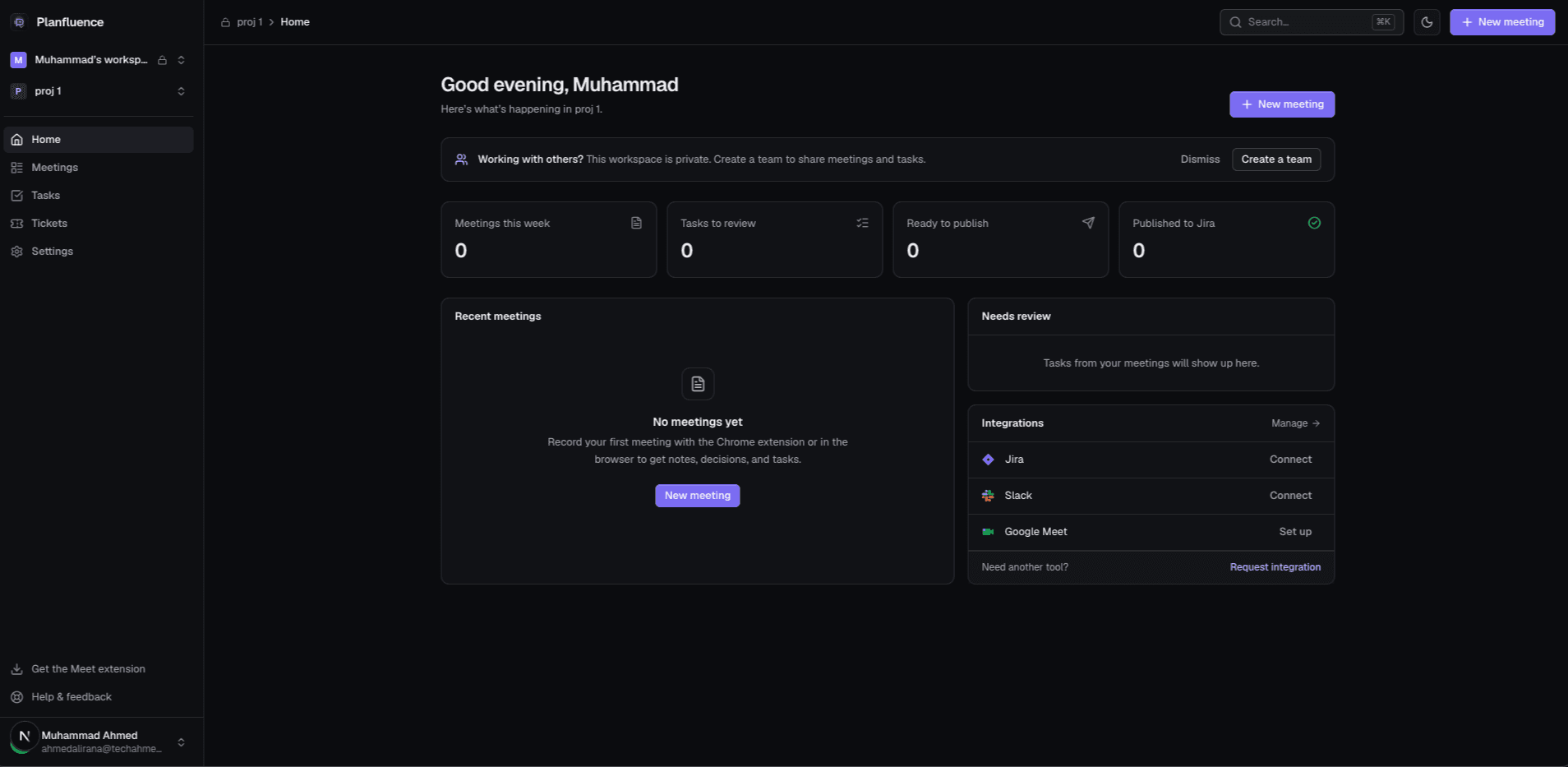
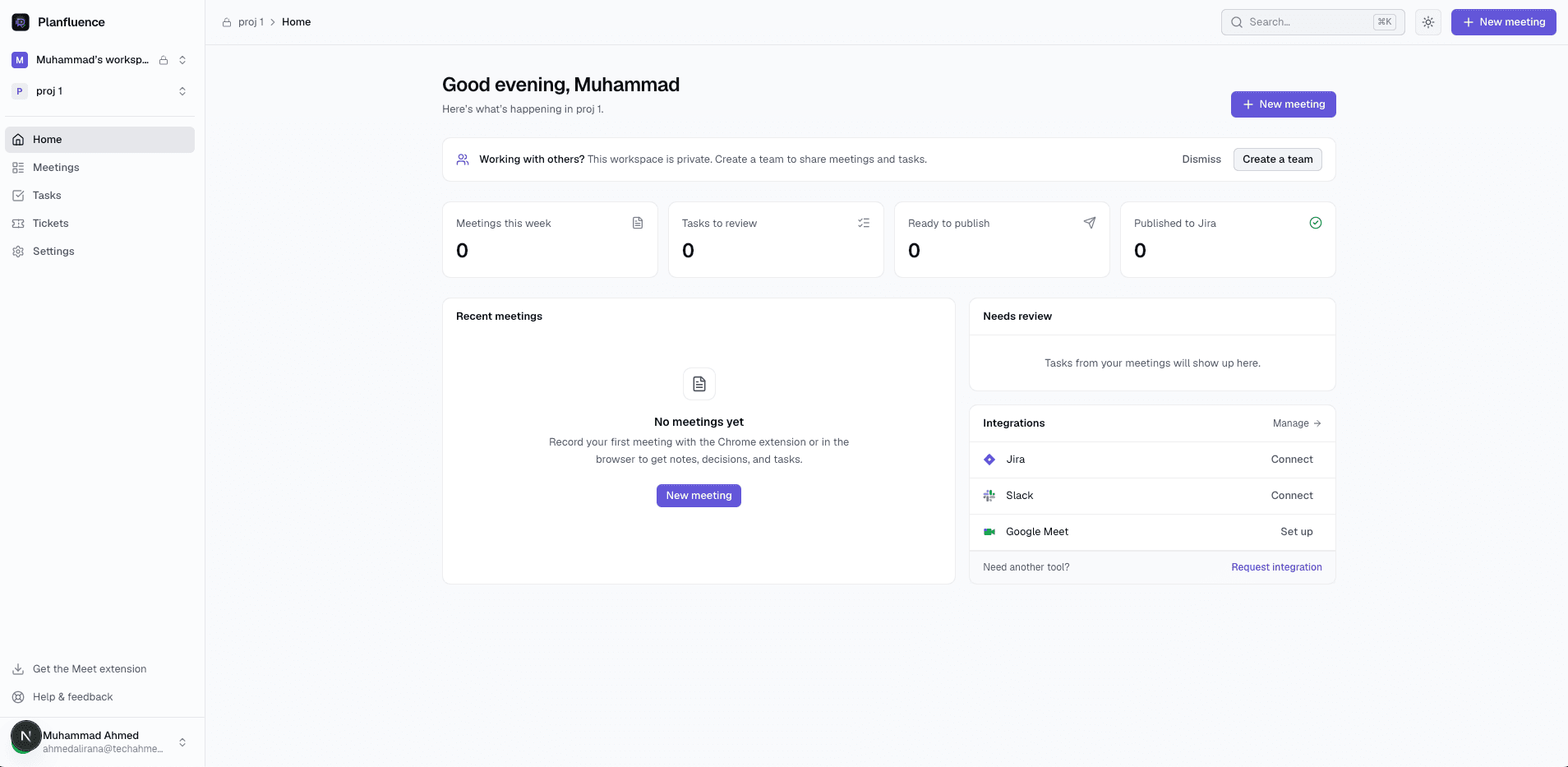
Planfluence turns engineering meetings into structured notes, tickets your team can work from, and a recap in your team's Slack channel. Review what matters, approve the tasks worth doing, and keep everything in one place.
Structured summaries, key decisions, timestamps, and live Google Meet captions.
Identify potential tasks, owners, deadlines, and transcript evidence automatically.
Turn approved tasks into Planfluence tickets with your own workflow, or push them to Jira and Trello. Import existing Jira projects in one click.
Share meeting summaries, recordings, and interactive transcripts with zero login required.
Planfluence handles the busywork. Your team stays in control of what moves forward.
Record a Google Meet call with the Chrome extension, or record in the browser. Generate a transcript and structured notes.
Get an AI summary, decisions, and suggested tasks. Edit, approve, or dismiss any item before publishing.
Send approved tasks directly to your project backlog or board with descriptions, criteria, and subtasks.
One flow instead of four tools: capture the call, agree on the work, track it, and keep everyone posted.
Record Google Meet with the Chrome extension or record in the browser. No bot joins your call.
A transcript with speaker names, the decisions that were made, and the follow-ups worth doing.
Approve tasks into Planfluence tickets with your own workflow, or publish them to Jira and Trello.
The summary, decisions and new tickets are posted to Slack automatically, with links back to everything.
The right channel for every project. Each project can post to its own Slack channel; projects without one use your workspace's. Tickets link to the meeting they came from, and every recap links back to both.
The conversation ends, but the work is just beginning. Planfluence bridges the gap between talking about work and tracking it.
Important tasks disappear into recordings, chat messages, and meeting notes.
Someone has to manually rewrite decisions into descriptions, acceptance criteria, and subtasks.
Discussions include ideas, open questions, and commitments. Your team should decide what becomes work.
Capture meetings effortlessly, review the decisions that matter, and automatically publish structured tasks where your engineers already work.
Planfluence picks out what your team agreed to do in a meeting and turns it into clear Jira tickets with owners and details, ready for you to review and publish.
Connect your organization's Google Workspace to bring meeting workflows into Planfluence. Automatically discover eligible meetings, organize available recordings and transcripts, and let AI help route meeting insights and action items to the right projects.
We are actively developing direct connections for the most requested software productivity tools.
We prioritize new integrations based on user demand. Tell us what you use and we'll notify you when it lands.
Keep decisions visible and follow-ups reliable without chasing status.
Spend less time on administrative tickets and more time building.
Translate decisions into trackable work while context is still fresh.
Keep multiple client projects aligned without adding meeting overhead.
Try Planfluence on your own meetings.
For people who meet every day.
For heavy meeting schedules.
No credit card needed for Free. Free records and plays back your meetings; transcripts, summaries, decisions and tasks start on Pro. Save 20% on Pro and Max with annual billing. Jira, Slack and other productivity integrations need a paid plan; Google Meet recording is included on every plan. Paid plans’ transcription minutes reset every month and don’t roll over. Payments are processed by Lemon Squeezy. Subscriptions are non-refundable. Cancel any time; you keep paid features until the end of your billing cycle. See our Terms and Privacy Policy.
Turn meeting conversations into structured notes and actionable tickets with your team in control.
Free plan includes recording and storage for your 5 most recent meetings. Upgrade anytime for AI features. No credit card required.